
ASUS TUF F16 RTX 4050 Pro Gaming Laptop
4.0Editor score
RTX 4050 graphics
32GB DDR5 memory
1TB PCIe SSD
144Hz IPS display
Windows 11 Pro
Fusion 360 rewards a laptop with capable processing, responsive graphics, and enough memory to handle complex assemblies, simulations, and browser-based workflows. The best choice depends on whether you need serious 3D performance, a portable workspace, or a budget-friendly way to learn the platform.
We compared all ten listed computers by examining their processors, graphics, memory, storage, displays, ports, operating systems, and form factors. The guide covers Windows workstations, gaming laptops, renewed business systems, and Chromebooks that may require additional software considerations.
Each review shows how the laptop fits into a Fusion 360 workflow and where its limitations become relevant. Ratings reflect the supplied customer feedback, while configurations and availability can change, so readers should verify current specifications and options before purchasing.
4.0Editor score

4.5Editor score

4.5Editor score
As an Amazon Associate we earn from qualifying purchases.
This side-by-side comparison highlights the major hardware and platform differences that matter most for Fusion 360, including processor capability, graphics, memory, storage, display quality, and portability.



The HP Victus FHD Gaming Laptop is the strongest all-around choice in this guide, combining a Core i5-13420H processor, NVIDIA RTX 3050 graphics, 32GB of RAM, and a 1TB SSD with a customer rating of 4.5. That combination provides a comfortable margin for Fusion 360 assemblies, detailed part modeling, rendering, and demanding multitask without requiring a workstation-class machine.
We may earn a commission when you buy through this link, at no additional cost to you.
Its eight-core processor can handle Fusion 360 alongside browser tabs, documentation, and communication applications. The RTX 3050 gives the system a meaningful advantage over integrated graphics in GPU-intensive scenes, while 32GB of RAM reduces the likelihood that large models and multiple open projects will overwhelm memory. Fast storage also helps keep application launches, project saving, and file transfers responsive.
The trade-offs are those associated with the gaming-laptop format. A 15.6-inch display and full-size keyboard are comfortable for extended work, but the machine is not designed to be as compact or understated as a business ultraportable. The 144Hz panel also prioritizes smooth motion rather than color-critical design work, although its Full HD resolution is practical for most users.
This is the laptop to choose when you want strong Fusion 360 capability without moving up to the highest-tier performance configuration. It is particularly suitable for students, makers, and professionals who need a capable Windows system for CAD, visualization, and everyday productivity.
The RTX 3050 provides substantially more graphics capability than an integrated solution. That headroom is valuable for intricate assemblies, realistic materials, complex visual scenes, and Fusion 360 extensions that make heavy use of the graphics processor.
With 32GB of system memory and a 1TB SSD, this configuration is well positioned for large assemblies, local revisions, browser-based collaboration, and other data-heavy design work. The storage capacity also gives users room to retain export files, renders, and project archives.
We may earn a commission when you buy through this link, at no additional cost to you.
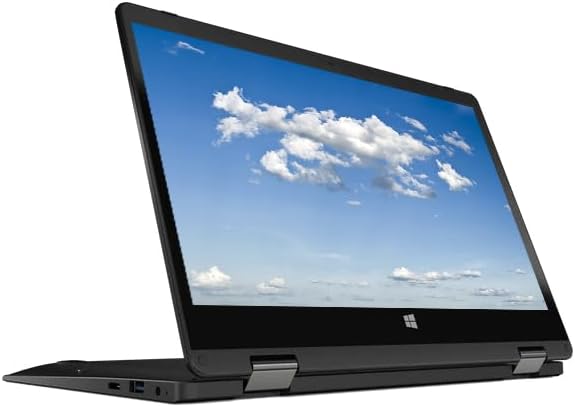
The HP 2026 X360 Convertible Laptop is a compact Windows option for students and occasional designers who want to run Fusion 360 without carrying a large gaming notebook. Its 11.6-inch HD touchscreen, four-core Intel processor, 8GB of memory, and 128GB of storage form a basic configuration that is best suited to learning, small assemblies, and moderate project sizes.
We may earn a commission when you buy through this link, at no additional cost to you.
The touchscreen and convertible form can make the device useful for reviewing a model, presenting a design, or working in a confined space. Its port selection includes two USB Type-A ports, one USB Type-C port, HDMI, Ethernet, and a combined audio jack. That is a practical mix for a compact system, although USB-C video output support should be confirmed for any particular monitor arrangement.
The principal limitation is the modest hardware. Integrated graphics may struggle with the most visually complex scenes, while 8GB of memory and 128GB of storage leave less room for large assemblies and multiple projects. The 3.6 rating also suggests that some customers may have encountered issues with condition, performance, or the renewed offering.
Choose this model if portability and touch functionality matter more than advanced rendering performance. It is most appropriate for introductory Fusion 360 work, classroom use, and simple personal projects rather than professional simulation or rendering workloads.
Its small touchscreen and Windows operating system make this a convenient way to access Fusion 360 and review designs away from a desk. The included Ethernet and HDMI ports help it fit into a more permanent workspace when needed.
The 128GB drive leaves limited room for local project files and exported assets. Users should regularly store finished work externally and avoid keeping many large revisions locally on this configuration.
We may earn a commission when you buy through this link, at no additional cost to you.
The Acer Gateway Convertible Laptop represents the most affordable route into Fusion 360 in this list, but it is also the least powerful. It pairs an Intel processor with Intel UHD graphics, 4GB of DDR4 memory, and 64GB of storage in an 11.6-inch convertible enclosure. Its customer rating of 3.1 reflects the compromises associated with this entry-level configuration.
We may earn a commission when you buy through this link, at no additional cost to you.
For beginners working on small components, simple assemblies, and occasional tutorials, the laptop can provide a familiar Windows environment for accessing Fusion 360. The HD IPS touchscreen and 360-degree hinge add flexibility, and the included HDMI and USB Type-A connections make it possible to connect essential accessories.
However, 4GB of RAM is the most important constraint. Fusion 360 plus a modern browser can consume a meaningful share of available memory, particularly when several browser tabs are open. The 64GB drive is also restrictive, and integrated graphics may not provide the smoothest experience when viewing dense assemblies or producing complex renders.
This laptop is best viewed as a low-cost learning device rather than a dependable professional CAD workstation. It makes sense for simple classroom exercises and occasional work, but users who regularly model in Fusion 360 should prioritize a machine with at least 8GB of memory, a larger SSD, and stronger graphics.
The Gateway is most convincing as an inexpensive way to learn Fusion 360's interface, create basic parts, and complete small assignments. Its compact size also makes it easier to carry between classes or workspaces.
Four gigabytes of memory can become restrictive very quickly, even with a modest browser workload. Users should minimize open tabs, keep assemblies small, and avoid treating this system as a suitable platform for heavy simulation or rendering.
We may earn a commission when you buy through this link, at no additional cost to you.
The HP Victus FHD Gaming Laptop is a particularly convincing Fusion 360 system because it combines a current-feeling Core i5-13420H with dedicated RTX 3050 graphics and 32GB of memory. The 4.5 customer rating also places it among the better-reviewed products in the group, giving it a favorable balance of feedback and specifications.
We may earn a commission when you buy through this link, at no additional cost to you.
The eight-core processor supports Fusion 360's modeling operations while leaving enough capacity for other applications. Its RTX 3050 is particularly helpful for rendering and viewing complex geometry because it is better suited to graphics-intensive work than integrated solutions. A 1TB SSD provides both quick file access and useful project capacity, while the numeric keypad is convenient for dimension-heavy workflows.
This is still a gaming laptop, so buyers should expect a larger, less portable design with performance characteristics aimed at demanding workloads. The 144Hz display is excellent for games, but Fusion 360 does not require that refresh rate, and the supplied information does not highlight color coverage. For professional visual work, image quality and color accuracy should be verified separately.
It is a strong recommendation for engineers, hobbyists, and students who expect to move from learning Fusion 360 into more serious part development, assemblies, and visualization. For most buyers, its combination of processor, memory, storage, and dedicated graphics offers a useful amount of future headroom.
The dedicated graphics and eight-core processor allow Fusion 360 to work alongside other demanding applications. This makes the laptop suitable for users who also expect to run rendering tools, data-processing utilities, or multiple productivity programs.
The full-size backlit keyboard and large display make the system suitable for extended modeling sessions. A numeric keypad also helps when entering dimensions or working with tables and production data.
We may earn a commission when you buy through this link, at no additional cost to you.
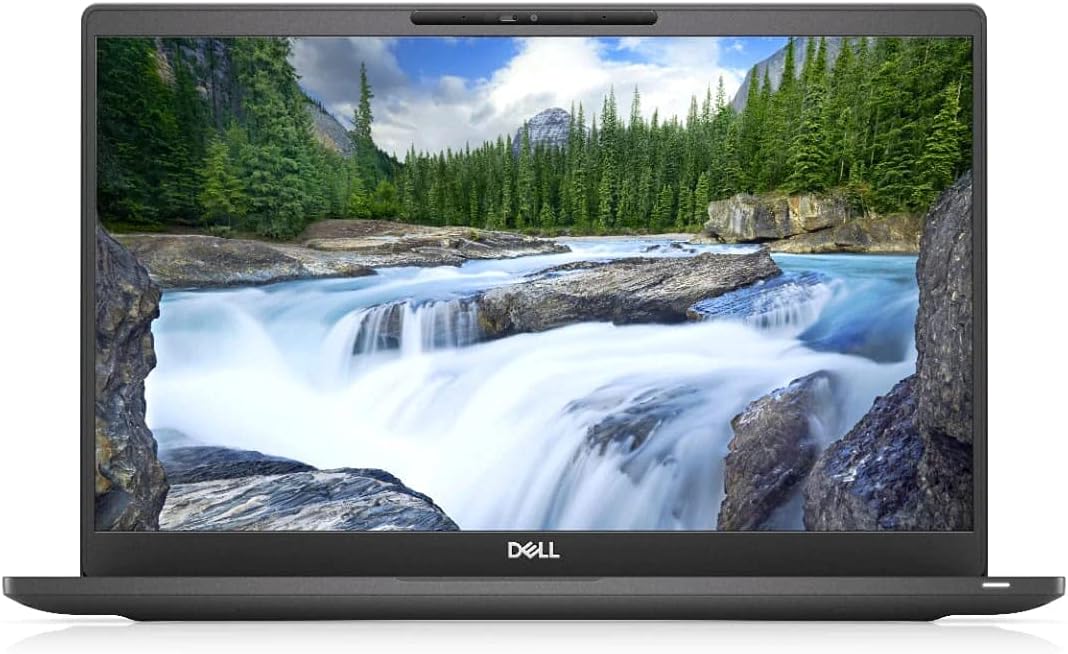
The Dell Latitude 7400 is a business-oriented alternative for Fusion 360 users who value memory, a conventional laptop format, and Windows 11 Pro more than gaming performance. It combines a Core i7-8665U processor, 32GB of RAM, a 256GB SSD, and a 14-inch Full HD display, earning a 4.0 customer rating.
We may earn a commission when you buy through this link, at no additional cost to you.
The generous memory is particularly useful for complex assemblies and multitasking, helping compensate for the system's more modest graphics capability. A 14-inch Full HD screen offers a productive balance between workspace and portability, while the renewed configuration may provide a practical route into a capable business platform for users comfortable with refurbished equipment.
The Core i7-8665U is an older mobile processor, and the listed 4.8GHz figure should not be treated as sustained performance across every workload. Integrated graphics and a 256GB SSD further limit heavy rendering and local project capacity. A professional visual pipeline may also require an external calibrated display because the supplied specifications do not provide detailed color accuracy information.
This Latitude is best for business users, technical students, and engineers who primarily create standard parts and assemblies and who prefer a professional chassis. It is less compelling for users who need advanced rendering, extensive local archives, or the newest processor generation.
The Latitude's business design and 14-inch display make it a natural choice for office use and mobile productivity. Its 32GB of RAM offers more breathing room for large projects than many ultraportable configurations.
A 256GB SSD can fill quickly with exported files, project revisions, and shared assets. Buyers who need more local capacity should verify whether the device can be upgraded or plan to use external storage.
We may earn a commission when you buy through this link, at no additional cost to you.
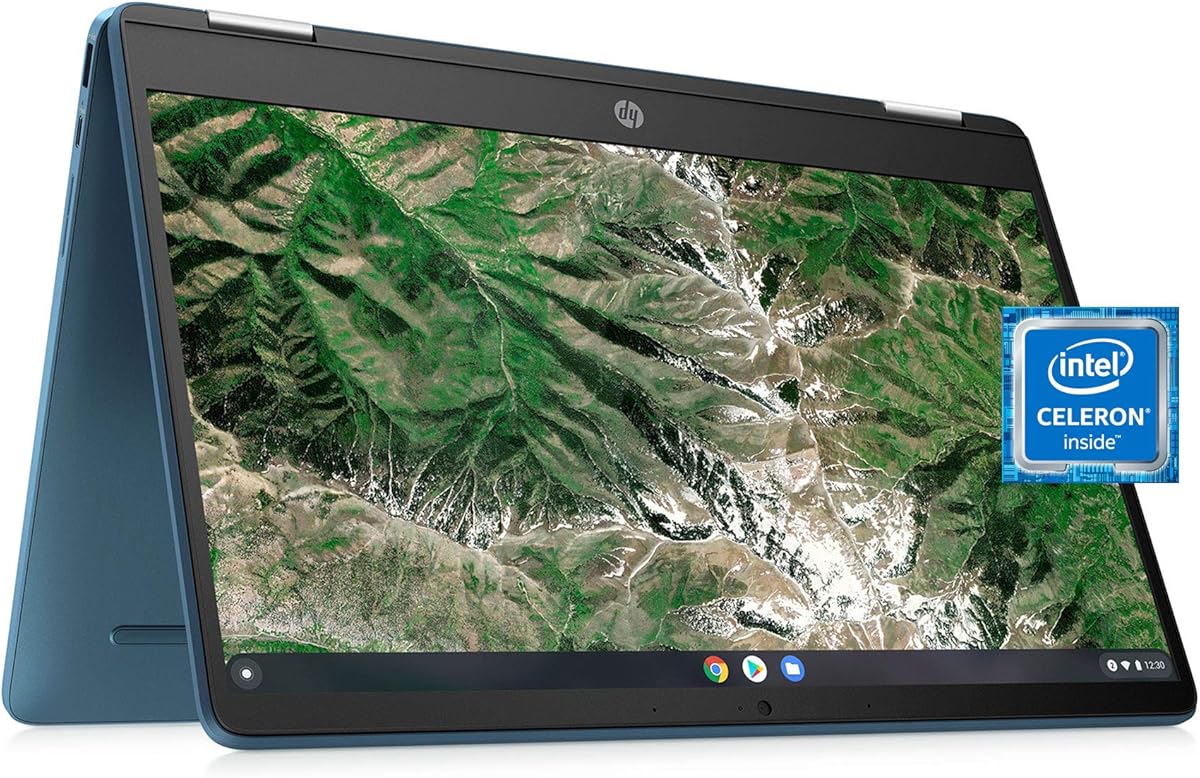
The HP X360 14a Chromebook is a lightweight choice for accessing Fusion 360 through a ChromeOS environment, and its 4.4 rating is stronger than several conventional Windows options in this guide. It includes a 14-inch HD touchscreen, an Intel Celeron N4020 processor, 4GB of LPDDR4 memory, and 64GB of eMMC storage.
We may earn a commission when you buy through this link, at no additional cost to you.
The touchscreen and convertible form make it useful for reviewing a shared design, following tutorials, or presenting a project. ChromeOS can provide a simple, secure experience for users whose Fusion 360 work is primarily browser-based and who need to collaborate through cloud-hosted documents and communication tools.
The bigger question is the depth of local modeling work. A two-core Celeron and 4GB of memory are not well suited to large assemblies, complex renders, or sustained multitask, and 64GB of storage leaves very little room for downloaded installers or local project archives. Buyers should also confirm that the required Fusion 360 usage and any desktop or Linux-based companion applications work within their chosen ChromeOS workflow.
This Chromebook is best for light Fusion 360 study, demonstrations, and browser-based access rather than intensive production. It can be a convenient secondary device, but a Windows laptop with more memory and stronger graphics is the safer choice for daily professional use.
The X360's touchscreen, web camera, speakers, and wireless connectivity support a flexible role for browsing documentation, attending classes, and reviewing designs. It can complement a more powerful workstation without replacing one for intensive modeling.
Small parts and short browser sessions are more realistic than complex local assemblies on this hardware. Cloud synchronization and external storage can help offset the limited internal capacity.
We may earn a commission when you buy through this link, at no additional cost to you.
The ASUS TUF F16 RTX 4050 is the premium performance choice in this roundup, offering the strongest discrete graphics configuration among the clearly specified systems. It combines an eight-core, 12-thread Intel Core 5 210H processor, RTX 4050 graphics with 6GB of GDDR6 memory, 32GB of DDR5 RAM, and a 1TB PCIe NVMe SSD.
We may earn a commission when you buy through this link, at no additional cost to you.
For Fusion 360, that combination provides generous resources for large assemblies, detailed surfaces, rendering, and simultaneous design and productivity applications. The DDR5 memory and PCIe storage are well suited to fast project operations, while the RTX 4050 should deliver more graphics headroom than the GTX 1650 and RTX 3050 options elsewhere in the list.
The FHD+ IPS display has a 1920-by-1200 resolution and a 144Hz refresh rate, offering a larger and slightly more detailed workspace than many alternatives. Anti-glare treatment can also be useful in bright environments. However, the absence of detailed color-accuracy information means professional color work still requires appropriate calibration and display validation.
This laptop is best for serious makers, engineering students, and professionals who want strong CAD and graphics performance in one large Windows system. The included folding radiator is a useful accessory for sustained work, although the overall size and weight of a 16-inch gaming notebook may be a concern for frequent travel.
The RTX 4050's dedicated 6GB of graphics memory provides a useful advantage for complex visual scenes, rendering, and GPU-accelerated CAD operations. It also provides a stronger foundation for future graphics-intensive applications than integrated graphics.
Thirty-two gigabytes of DDR5 RAM supports demanding multitasking, while the PCIe SSD provides fast boot and transfer performance. Two USB-A ports, two USB-C ports, HDMI, Ethernet, and an audio jack create a practical workstation-style connection set.
We may earn a commission when you buy through this link, at no additional cost to you.
The HP Chromebook x360 14b stands out for its 4.9 customer rating, Full HD IPS touchscreen, 8GB of LPDDR5 memory, and flexible 2-in-1 design. It is one of the most attractive general-purpose Chromebooks in the roundup and can be especially useful for students learning Fusion 360 through a browser-centered workflow.
We may earn a commission when you buy through this link, at no additional cost to you.
The 14-inch 1920-by-1080 touchscreen provides a clear and roomy canvas, while the 360-degree hinge allows laptop, tablet, tent, and stand configurations. The N200 processor and 8GB of memory are more capable than the entry configurations in several competing Chromebooks, while 128GB of UFS storage is also more practical than a 64GB drive.
ChromeOS remains the defining consideration. Users who need the complete desktop application, local development environments, specialist CAD plug-ins, or other conventional Windows software may find that a Chromebook does not meet their requirements. Integrated graphics and limited storage also mean this should be viewed as a light companion or learning system rather than a heavy local rendering platform.
For a student who wants a pleasant touchscreen workspace, smooth everyday browser use, and an affordable way to review Fusion 360 projects, this is an excellent option. For a professional relying on Fusion 360 daily, a Windows system with discrete graphics and more storage would be the more dependable investment.
The Full HD IPS panel, backlit keyboard, and convertible hinge make this Chromebook adaptable to lectures, tutorials, design reviews, and individual practice. It is particularly inviting for users who prefer touch navigation.
Eight gigabytes of LPDDR5 memory helps the system handle browsing, documents, and multiple cloud applications more comfortably than 4GB alternatives. It does not remove the limits of the platform, but it creates a better foundation for everyday multitasking.
We may earn a commission when you buy through this link, at no additional cost to you.
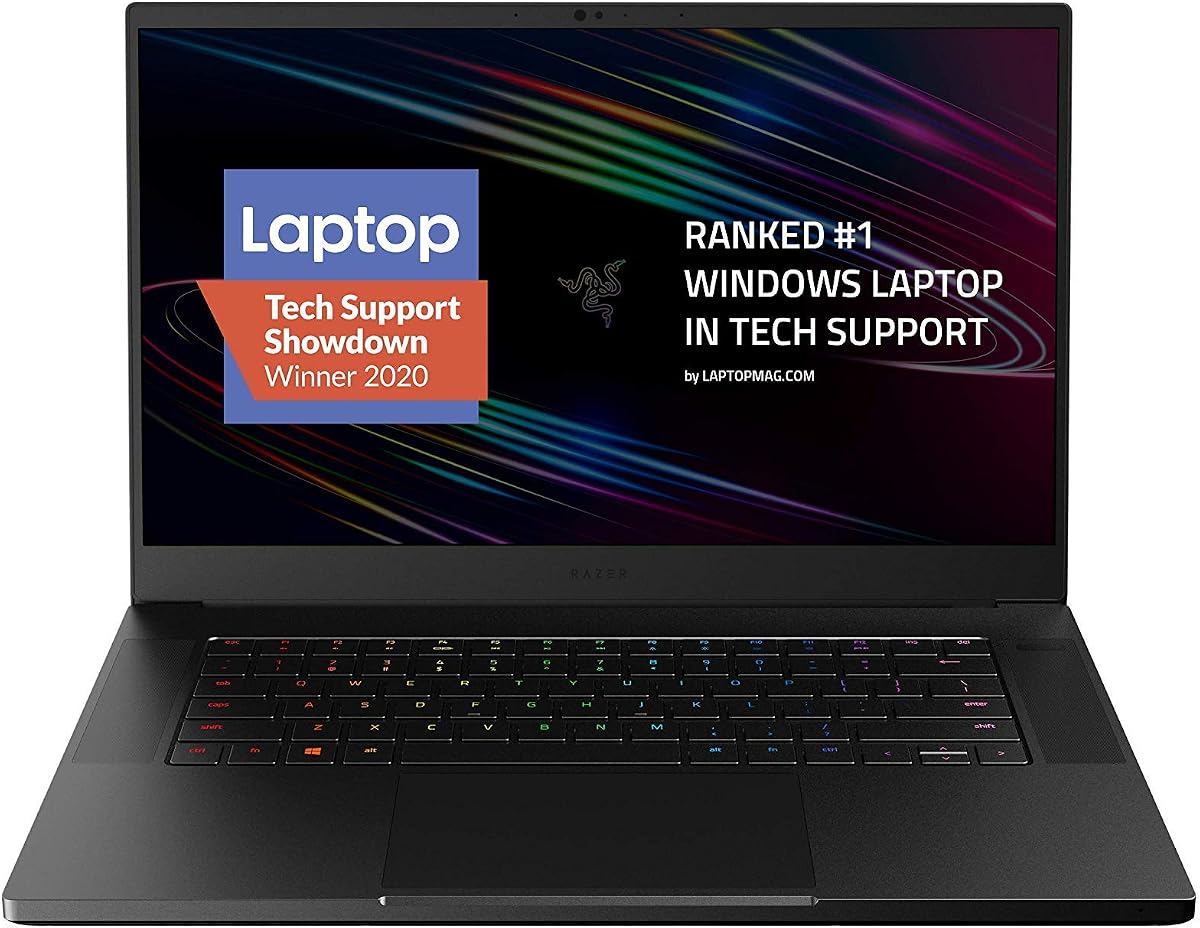
The Razer Blade 15 Advanced is a premium 2020 gaming laptop that pairs an eight-core Core i7-10875H with RTX 2070 Super Max-Q graphics, 16GB of RAM, and a 512GB SSD. Its 4.3 rating is solid, and the combination remains well suited to demanding Fusion 360 assemblies and visually complex work.
We may earn a commission when you buy through this link, at no additional cost to you.
The processor offers eight cores and up to 5.1GHz turbo performance, giving Fusion 360 a responsive foundation. The Max-Q version of the RTX 2070 Super is designed to deliver substantial graphics performance in a relatively thin chassis, which makes it useful for rendering, realistic materials, and complex model navigation.
Its age is the main caution. A 2020 platform may offer less headroom than newer alternatives, and 16GB of memory is adequate but not generous for very large assemblies. The 300Hz Full HD display is superb for games but largely unnecessary for CAD, and detailed color-accuracy information is not included. Users should also consider the cost of replacing aged components if needed.
Despite those caveats, the Blade 15 is a good choice for a buyer who values a premium chassis, strong dedicated graphics, and a slim gaming-laptop design. It is especially suitable for users who want capable rendering performance in a machine less bulky than many traditional gaming notebooks.
The Max-Q RTX 2070 Super configuration delivers high-end graphics capability in a compact CNC aluminum body. That balance makes the laptop attractive for CAD users who also value portability and a refined enclosure.
A liquid-filled copper vapor chamber is designed to move heat away from major components. Good thermal behavior helps sustain processor and graphics performance during extended modeling and rendering tasks.
We may earn a commission when you buy through this link, at no additional cost to you.
The ASUS TUF Gaming FX505GT is a value-oriented Windows laptop that can handle Fusion 360 more effectively than an entry-level ultraportable. It combines a Core i7-9750H processor, GTX 1650 with 4GB of GDDR5 memory, 8GB of DDR4 RAM, and a 512GB PCIe NVMe SSD. Its customer rating of 4.5 supports its position as a capable yet economical option.
We may earn a commission when you buy through this link, at no additional cost to you.
The eight-core processor is suitable for standard part modeling, assemblies, and moderate rendering. Dedicated GTX 1650 graphics are considerably more useful for Fusion 360 visualization than integrated graphics, while the NVMe SSD keeps application loading and project transfers responsive. The 15.6-inch Full HD IPS display provides a comfortable design workspace.
Eight gigabytes of memory is the most notable limitation. Fusion 360 and a browser can quickly approach that limit, so upgrading memory would be valuable if the system permits it. The GTX 1650's 4GB of graphics memory can also become a constraint in particularly detailed scenes. Windows 10 Home supports a conventional software environment, but users should verify the status of their required applications and operating-system needs.
This TUF is best for students, hobbyists, and budget-conscious professionals who need a dedicated GPU and a capable CPU without moving to a premium configuration. It offers a strong foundation for Fusion 360, provided the buyer recognizes that an memory upgrade would improve long-term comfort.
The GTX 1650 gives this laptop a meaningful graphics advantage over integrated systems. It is a sensible starting point for ordinary assemblies, moderate detail, and regular rendering without the expense of a higher-tier RTX configuration.
Because the system is limited to 8GB of RAM, checking whether the memory can be upgraded is important. More memory would improve responsiveness when Fusion 360, browser tabs, and communication tools are used together.
We may earn a commission when you buy through this link, at no additional cost to you.
Fusion 360 is approachable on many modern computers, but visual complexity, assembly size, rendering demands, and mobility determine which specifications matter. Prioritize the processor, graphics, memory, and storage that match your actual workload rather than choosing on screen size alone.
A capable Intel Core processor with multiple cores gives Fusion 360 enough compute power for parameter studies, assemblies, and simulations while leaving room for the browser and other applications. Modern Core i5 and Core i7 systems, or newer equivalents, offer a sensible starting point. Processors with eight cores can be especially comfortable when users combine CAD, rendering, video calls, and documentation. The clock speed shown in a listing is only one part of the story; thermal behavior, memory speed, and sustained workloads also influence real-world performance.
Integrated Intel and AMD graphics are sufficient for learning Fusion 360 and modeling many conventional parts, but a dedicated GPU improves navigation through dense assemblies, realistic rendering, and other graphics-intensive operations. RTX 3050, RTX 4050, and RTX 2070 Super configurations in this guide provide varying degrees of headroom. Dedicated graphics also make the laptop more versatile if you later add rendering, video, or other accelerated software. GPU memory can become important as visual complexity increases.
Fusion 360 is optimized to work well with limited memory, but the browser and other background applications add to the demand. Eight gigabytes is a reasonable minimum for a student, while 16GB provides a more comfortable working range and 32GB is preferable for large assemblies, complex renders, and heavy multitasking. Memory is also easier to understand than graphics performance: more capacity helps prevent slowdowns when several applications are open. Buyers should prioritize a laptop that can be upgraded or one that already includes 16GB or more.
A solid-state drive improves application startup, project loading, autosave performance, and transfers of exported assets. NVMe storage offers still faster transfer rates, which is helpful when moving between large assemblies or managing high-resolution renders. Capacity remains important: 64GB is quickly consumed by projects, installers, and media, while 256GB is more workable and 1TB suits users who keep years of files locally. Cloud storage can provide backup and collaboration, but it does not eliminate the need for adequate local space.
Fusion 360's interface benefits from a high-resolution display because the model area, timeline, browser, and data panels share the screen. Full HD is a practical baseline, while FHD+ on a 16-inch panel provides additional working space. IPS technology generally offers more consistent viewing angles than a basic panel. High refresh rates benefit games and scrolling but add little to the core modeling task, so buyers should balance refresh rate against resolution, panel quality, glare, and color accuracy. For visual work, a separate calibrated monitor may be worthwhile.
A full Windows installation is the most straightforward option for Fusion 360 users who need desktop applications, local development tools, or a broad range of plugins. Windows 10 and Windows 11 systems in this guide provide the expected environment, though users should confirm application support. Chromebooks can provide a convenient browser-based experience, but the required operating system for every tool must be verified before purchase. A Chromebook is not an automatic substitute for a full workstation, even when the underlying processor appears adequate.
Fusion 360 is used in classrooms, studios, home offices, and on the move, so portability matters. A 13.3-inch or 14-inch convertible can be convenient for reviewing and presenting, while a 15.6-inch or 16-inch gaming laptop provides a larger workspace but is usually heavier. Integrated webcams, comfortable keyboards, and multiple USB ports improve daily usability. Gaming systems may also include stronger cooling, but their size can make long-term mobile work less pleasant.
Sustained Fusion 360 work can heat both the processor and graphics processor, so a capable cooling system helps preserve performance. Newer models may benefit from stronger support and more current components, while renewed systems can offer greater value but vary in cosmetic condition, battery health, and warranty coverage. Check the listing's return terms, included accessories, operating-system status, and exact hardware configuration. For a professional, a warranty and dependable support can be as important as peak graphics performance.
Begin by installing the current Fusion 360 desktop application and signing in with an Autodesk account. On first launch, allow the required updates, confirm that the graphics and browser areas render correctly, and create a small test part before opening a large assembly. Set the graphics performance level according to the hardware, then adjust mesh quality only when the model requires it. A modest mesh setting preserves accuracy and can improve responsiveness on integrated graphics.
Organize local files in a dedicated project folder and use versioned filenames for major revisions. Keep the design cache on the solid-state drive, avoid filling the drive with unused renders and installers, and maintain an external or cloud backup. For ChromeOS-based systems, confirm application support and keep enough free storage for updates and browser data. For Windows laptops, install current operating-system and graphics-driver updates before beginning important project work.
To protect the machine, let the vents remain unobstructed and use a stable surface during long modeling sessions. A laptop cooler can help on sustained workloads, particularly with a gaming chassis. Clean the keyboard and screen gently, avoid liquids near the machine, and follow the manufacturer's battery guidance. Periodic project backups and careful thermal management are more valuable to a Fusion 360 user than constantly changing low-level graphics settings.
Eight gigabytes is enough for learning Fusion 360, creating standard parts, and maintaining modest assemblies, particularly when the browser workload is controlled. It becomes restrictive when many tabs are open or the model becomes large. A 16GB laptop is more comfortable for daily work, while 32GB provides additional headroom for demanding assemblies and rendering.
No, integrated graphics can run Fusion 360 and handle many ordinary modeling tasks. Dedicated graphics improve the experience with large assemblies, complex visual scenes, realistic rendering, and other graphics-intensive software. If your work includes advanced visualization or if the laptop must also serve as a rendering system, a dedicated GPU is worth prioritizing.
A Chromebook can be useful for browser-based access, learning, demonstrations, and light project review. The full range of desktop workflows and specialist software may not be available, depending on the ChromeOS version and your requirements. Before purchasing, verify that Fusion 360, relevant extensions, file-management tools, and any other necessary applications work in the intended setup.
A modern multi-core processor is generally sufficient for standard modeling and assemblies. Intel Core i5 and Core i7 systems offer a useful balance, while eight-core processors provide more room for rendering, simulations, and multitasking. Entry-level Celeron and Snapdragon-based systems are better reserved for light browser-based use and small learning projects.
At least 256GB of SSD storage is advisable for regular use, while 512GB or 1TB is more comfortable for local projects, revisions, exports, and software. A 64GB drive fills quickly and is better suited to a lightweight secondary device. Cloud storage is useful for collaboration and backup, but users should still retain enough local capacity for applications and active work.
A gaming laptop can be an excellent choice because many models include powerful processors, dedicated graphics, fast storage, and effective cooling. It is not automatically the most portable or professional-looking option, however. A business laptop with 16GB or 32GB of memory may suit users focused on standard CAD work, while a premium gaming model makes more sense for rendering and heavy multitasking.
No. Fusion 360 does not require a 144Hz or 300Hz panel, although these displays can make navigation feel smooth. Resolution, viewing angles, glare, color quality, and physical workspace are more relevant for design work. A Full HD display is a practical baseline, and a larger or higher-resolution panel can be beneficial for complex models.
A renewed laptop can provide good value, especially when it includes a capable processor, 16GB or 32GB of memory, and solid-state storage. Check the condition description, warranty, return policy, battery expectations, and exact processor and graphics configuration. Renewed hardware is most attractive to buyers who are comfortable with minor cosmetic wear and less certain component longevity.
The HP Victus FHD Gaming Laptop is the best overall selection because its Core i5-13420H processor, RTX 3050 graphics, 32GB of memory, and 1TB SSD create a balanced foundation for serious Fusion 360 work. The ASUS TUF F16 RTX 4050 is the premium performance option, while the ASUS TUF Gaming FX505GT provides a more economical route to dedicated graphics and a capable eight-core processor.
The right choice depends on the workload. Small educational projects and browser-based review tasks can work on compact or Chromebook-based systems, but demanding assemblies, rendering, and local file management call for a Windows laptop with at least 16GB of memory, dedicated graphics, and a generous SSD. Portable users should balance screen comfort against weight, while renewed buyers should carefully review condition and support terms.
Product configurations, customer ratings, and availability can change, and the listed details should be verified at the time of purchase. Before ordering, confirm the processor, graphics, memory, storage, operating system, display, ports, and upgrade options against the specific Fusion 360 workflows you expect to perform.